
Why Back-in-Stock Emails Matter for Shopify Stores
Stockouts cost sales and trust. Learn how back-in-stock notifications turn missed demand into recovered revenue for your Shopify store.
- shopify
- inventory
- email marketing
- back in stock
Every out-of-stock product page is a fork in the road. Shoppers either leave forever — or they leave their email and come back when you restock.
The hidden cost of stockouts
When a bestseller sells out, merchants often celebrate the demand. But without a capture mechanism, that demand evaporates. The customer who wanted your product may buy from a competitor instead.
Back-in-stock notifications solve this by:
- Capturing intent while the shopper is still on your product page
- Automating outreach the moment inventory returns
- Building a demand signal you can use for purchasing decisions
What makes a good notify-me flow
Not all back-in-stock tools are equal. Merchants should look for:
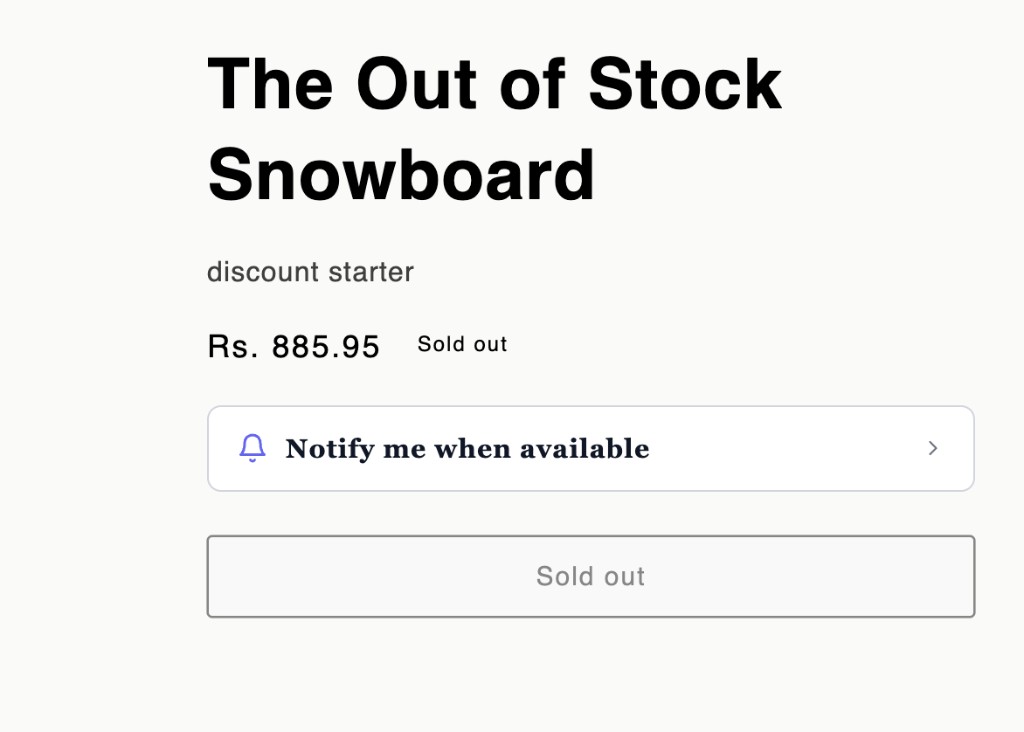
- A theme-native widget that matches the storefront — collapsed to a simple “Notify me when available” bar, expandable to a full signup form
- Reliable email delivery when stock changes
- A subscriber dashboard to see what customers want
- Simple setup — minutes, not days
How Restock Pro helps
Restock Pro adds a Notify Me widget to out-of-stock product pages. Shoppers tap to expand, enter their email (and optional name), and get restock alerts automatically when inventory is replenished.
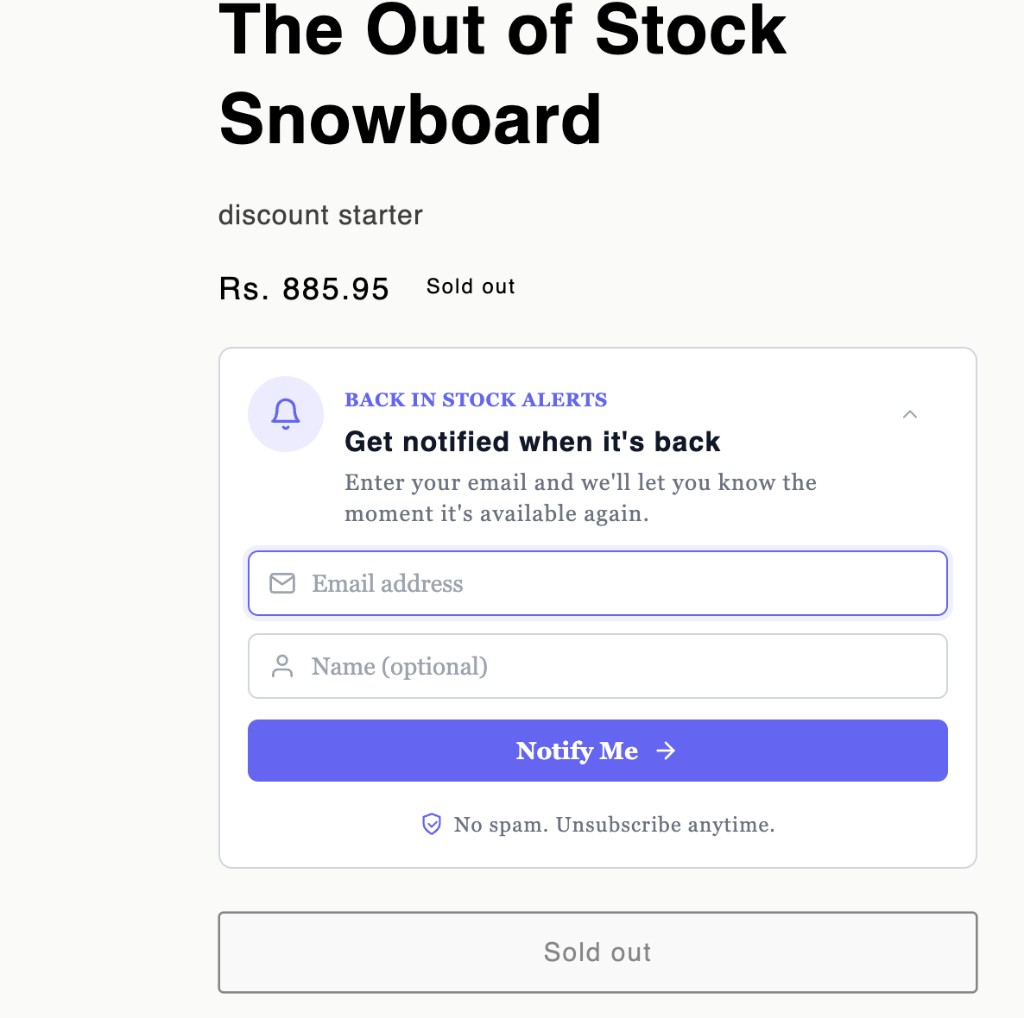
Merchants get subscriber management, demand insights, and CSV exports — all free at launch.
What to read next
- How to add back-in-stock notifications on Shopify
- Shopify notify me button setup guide
- Recover lost sales from Shopify stockouts
Ready to stop losing sales to stockouts? Install Restock Pro on Shopify and enable the widget in your theme editor.